Cameras in a Nursing-Home Room: What Families Must Check First
Families sometimes consider putting a camera in a nursing-home room after a fall, missing belongings, poor communication, or fear that care is not happening as expected.
The technology is easy to buy.
The legal and privacy questions are not.
There is no single national rule that makes an in-room nursing-home camera automatically lawful everywhere. State electronic-monitoring laws, audio-recording rules, roommate rights, resident consent, facility procedures, and the circumstances of the resident all matter.
Before installing anything, work through the questions below.
1. Check current law in the resident’s state
Do not rely on a social-media post that says “granny cams are legal.”
Ask:
- Does the state have a nursing-home electronic-monitoring statute or regulation?
- Does it require written resident consent?
- Does it require facility notice or a specific form?
- Does a roommate have to consent?
- Must the camera be visible?
- Are signs required?
- Are there restrictions on placement?
- Can audio be recorded?
- Are there rules about who pays for installation, internet, or electricity?
- Are there rules about who may access or disclose recordings?
Use the state health department, state legislature/regulations, or qualified legal counsel for current law. Requirements can change.
2. Ask the resident—not just the family
The resident’s room is the resident’s home and care space.
Ask whether the resident wants monitoring and what kind.
A family member’s concern does not automatically create authority to record an adult resident. If another person is acting under a health-care power of attorney, guardianship, or other legal authority, the scope and activation of that authority depend on state law and the actual document.
Whenever possible, include the resident directly even when a representative is involved.
3. A roommate creates a second privacy problem
A camera aimed at one resident can still capture a roommate:
- getting dressed;
- talking with family;
- receiving treatment;
- sleeping;
- using medical equipment;
- talking with staff; or
- discussing private health information.
State electronic-monitoring laws often address roommate consent or camera positioning, but the details vary.
Do not assume that because the device belongs to one resident, the roommate’s privacy no longer matters.
4. Audio can change the legal analysis
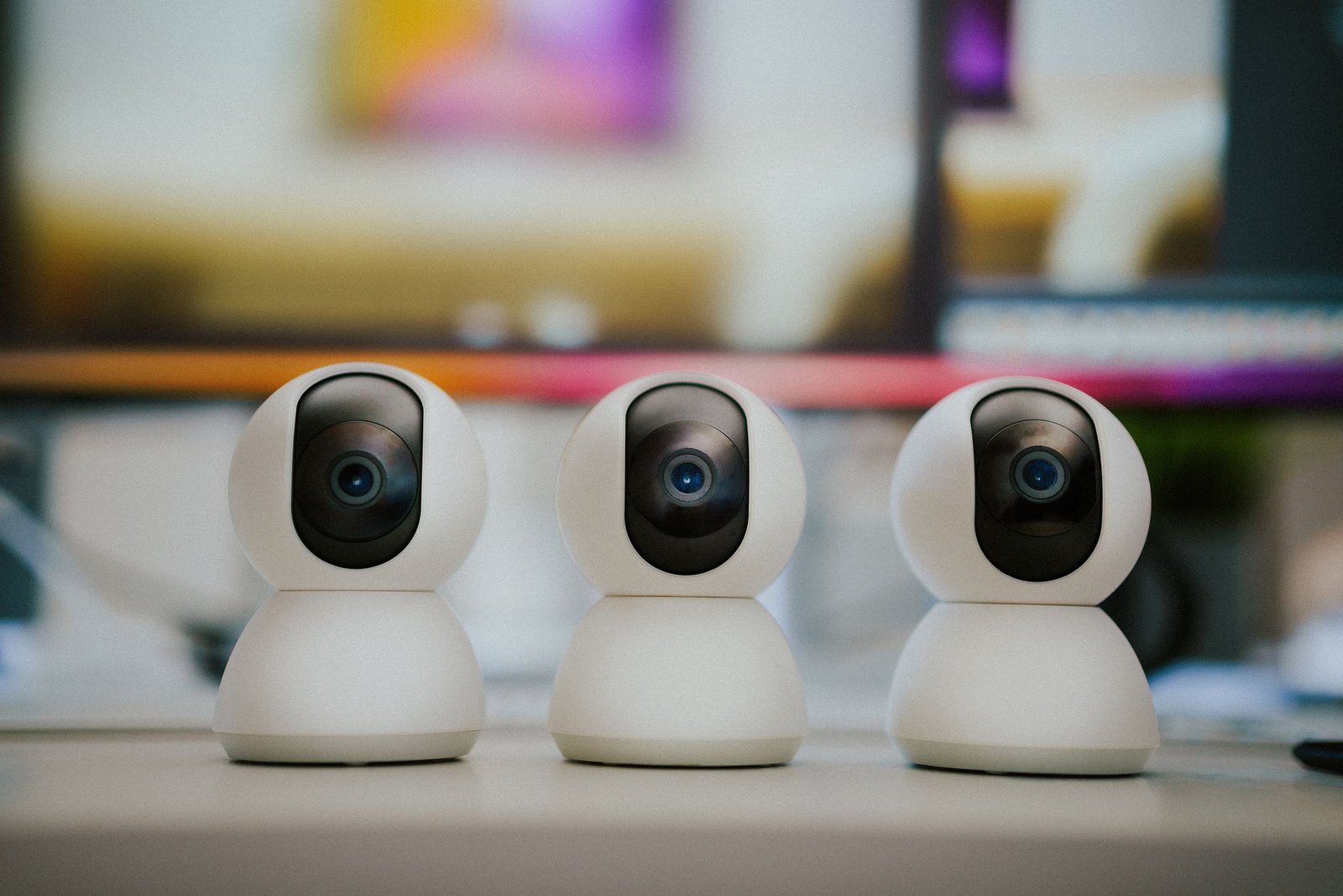
A camera with a microphone may record conversations even when the family is only thinking about video.
State wiretap/eavesdropping laws vary on when audio recording requires consent. A device that is legal as silent video could create a different issue when audio is enabled.
Before installation, confirm:
- whether the microphone can be disabled;
- what the state requires for audio consent;
- whether staff or roommate conversations may be captured; and
- whether facility policy imposes additional requirements.
Do not secretly record audio based on a general internet article.
5. Plan for privacy during personal care
Federal nursing-home rules protect resident privacy during personal care and treatment.
A continuously operating camera could capture:
- bathing;
- toileting;
- dressing;
- wound care;
- catheter or ostomy care;
- examinations; or
- other intimate moments.
Ask how monitoring is handled during personal care.
Depending on law, resident preference, and the setup, options might include temporarily disabling or redirecting a camera—but do not assume a particular practice is legally required or permitted without checking the state rules.
6. Ask for the facility’s written process
Even when state law permits monitoring, the facility may have a lawful process for implementation.
Ask for:
- the electronic-monitoring policy;
- required notice/consent forms;
- equipment-installation rules;
- placement restrictions;
- roommate procedures;
- electrical/internet requirements;
- who receives complaints about the device; and
- what happens during room changes.
If facility policy appears to conflict with a specific state right, get appropriate legal or regulatory guidance rather than resolving the dispute through an argument at the front desk.
7. Decide who can watch and store the video
Internet-connected cameras create cybersecurity and dignity issues.
Ask:
- Who has the password?
- Is two-factor authentication available?
- Is the feed encrypted?
- Is footage stored in the cloud?
- How long is it retained?
- Can the vendor use clips for product improvement?
- Can family members download and forward recordings?
- What happens if an account is compromised?
Do not create a large shared login group simply because several relatives want access.
8. Do not turn monitoring into public surveillance
If a recording captures a concerning event, preserve the original evidence and use appropriate reporting channels.
Avoid posting identifiable resident or staff footage publicly before obtaining legal guidance. Public distribution can create privacy, defamation, evidence-preservation, and investigation problems.
For suspected abuse or neglect, focus on resident safety and the proper reporting route—not social-media prosecution.
9. A camera does not replace care systems
Monitoring cannot substitute for:
- an accessible call system;
- appropriate staffing;
- a current care plan;
- clinical assessment;
- incident reporting;
- family communication; or
- regulatory oversight.
If the resident needs a call button moved, a transfer plan updated, medication reviewed, or a wound assessed, solve that clinical/care problem directly.
10. Know the federal privacy baseline
Federal nursing-home rules protect personal privacy, communications, and dignity. CMS has also issued specific guidance about unauthorized or demeaning photographs and recordings by nursing-home staff.
Those federal protections do not answer every family-installed-camera question. State law is still critical.
A pre-installation checklist
Before plugging in a camera, confirm:
- [ ] current state electronic-monitoring law;
- [ ] resident consent/authority;
- [ ] roommate consent requirements;
- [ ] audio-recording law;
- [ ] facility notice/process;
- [ ] placement and signage rules;
- [ ] privacy during personal care;
- [ ] who controls the account;
- [ ] storage/security settings;
- [ ] plan for room changes; and
- [ ] who to contact for state-specific legal advice.
Frequently asked questions
Are cameras legal in nursing-home rooms?
It depends on the state, the type of monitoring, consent, roommates, audio, and other circumstances. There is no safe national yes/no answer.
Can a health-care proxy authorize the camera?
Possibly in some circumstances, but the answer depends on the document’s scope, whether it is in effect, state law, and the resident’s own rights and capacity. Get state-specific guidance.
Can I hide the camera?
Do not assume hidden monitoring is permitted. Some state laws require notice, consent, signage, visible equipment, or other safeguards, and audio law can add separate requirements.
The practical goal
Treat a room camera as a privacy and legal decision with a device attached, not as a gadget purchase.
Check the law first. Then the resident’s wishes. Then the roommate. Then audio. Then the facility process. Only after those questions are resolved should installation begin.
Primary sources checked
- eCFR — 42 CFR § 483.10, Resident Rights, Privacy, and Communications
- CMS State Operations Manual, Appendix PP — Resident Privacy and Communication Rights
- CMS — Protecting Resident Privacy and Prohibiting Mental Abuse Related to Photographs and Audio/Video Recordings by Nursing Home Staff
Editorial/source review: October 16, 2026. General U.S. education only. Electronic monitoring, audio recording, consent, roommate rights, and surveillance rules vary substantially by state. Verify current state law and obtain qualified legal guidance before installation.
Next step for families: Browse senior-care communities to compare local options, or use the Care Finder to organize the care needs and your next questions. Always verify current services, staffing, clinical capability, costs, and availability directly with the provider.